Free maintenance management software
By UpFix
How to tell whether a free tool retired the spreadsheet and the follow-up thread, what to set up first, and what a free plan does not include.
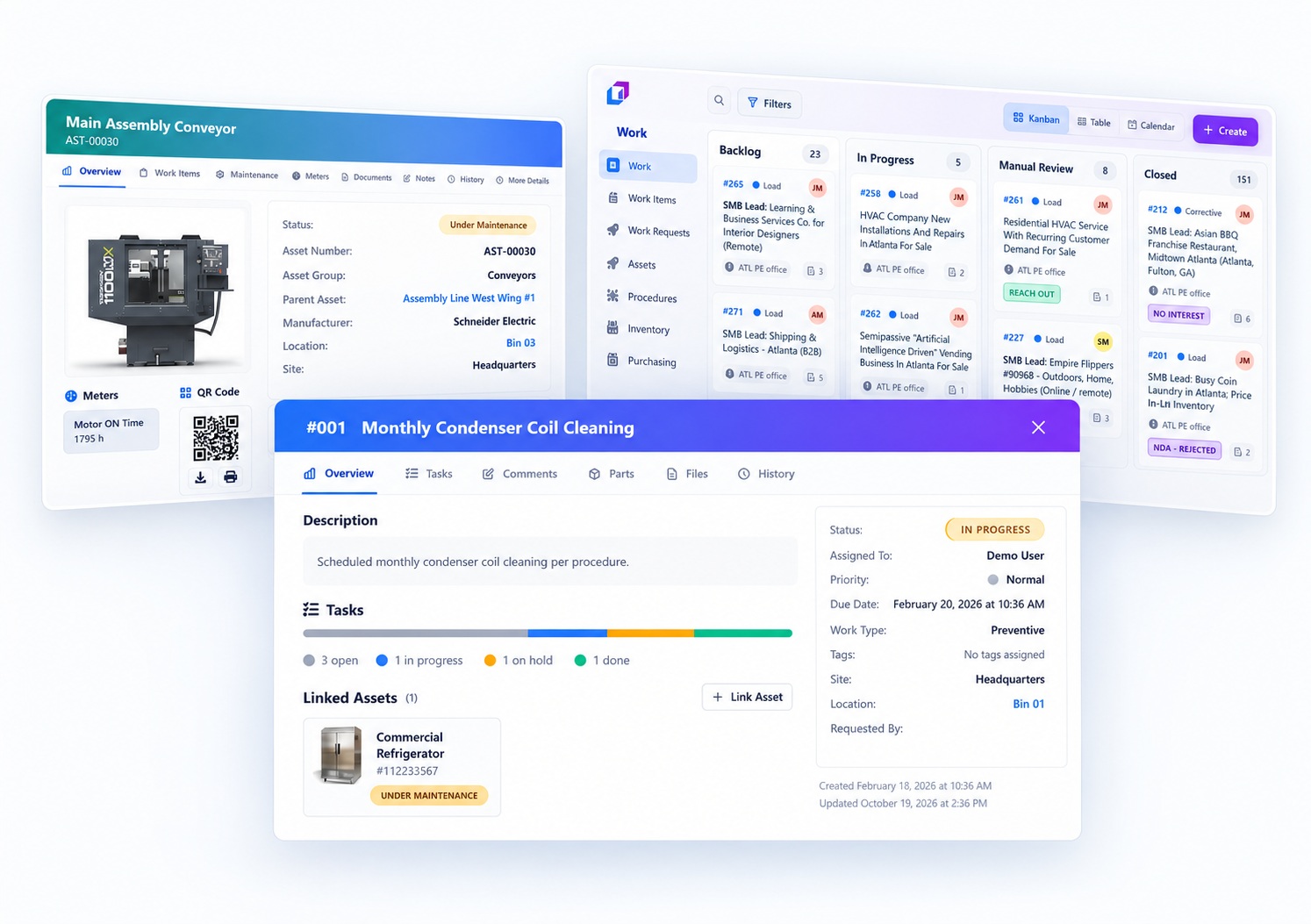
Free maintenance management software should replace scattered spreadsheets and follow-ups, not add another system to check.
The operating models and AI examples in this article are illustrative. They are not a specification of included UpFix features or a measured customer result. See product capabilities and plan limits for the current offer.
Most teams searching for this already run maintenance somewhere. The system is a workbook, a shared inbox, a group chat, and one person who remembers what is due. A new tool helps only when those channels stop being where work is assigned and closed. If the crew still confirms jobs in a text thread and updates the software later for the file, the spreadsheet did not go away. It gained a neighbor.
What the software is supposed to carry
At the scale of a small maintenance crew, the job is a short loop:
- Someone reports a problem or a task that is due.
- A named person owns the work.
- The person doing the job can see the asset, the request, and any procedure that applies.
- Closing the job leaves a record the next person can find.
A spreadsheet can hold the list. It is weak at the handoff. Two people edit the same row. A request arrives by email and never lands on the sheet. A finished job has no note about what was found. Free maintenance management software earns its place when that loop lives in one queue.
For maintenance jobs, a work item serves as a work order. Use the words your crew already uses on the floor, and keep the record in one place. Service requests stay requests until someone accepts them as work.
Did it retire the sheet, or sit beside it?
Judge the rollout after a few weeks of real jobs, not on the day of the demo.
It replaced the spreadsheet
- New requests are entered once.
- Open work has an owner without a separate chase list.
- Asset history is the work that was closed, not a log someone recopies on Friday.
- The old file is archived, or it is a read-only copy of rows you chose not to move.
It became another system to check
- Urgent jobs still start in chat, and the record is filled in after the fact.
- Due tasks still live on a calendar or sheet because assignment in the tool feels like extra work.
- Supervisors export a list every morning so the crew has something they will look at.
- Two people disagree about status because one updated the sheet and one updated the software.
If the second list matches the week, stop adding fields. Pick the place people will open during the shift, and stop using the other one for live work.
A setup a small team can finish
You do not need a full equipment tree or a year of history before the first real job. Start with the work that is already slipping.
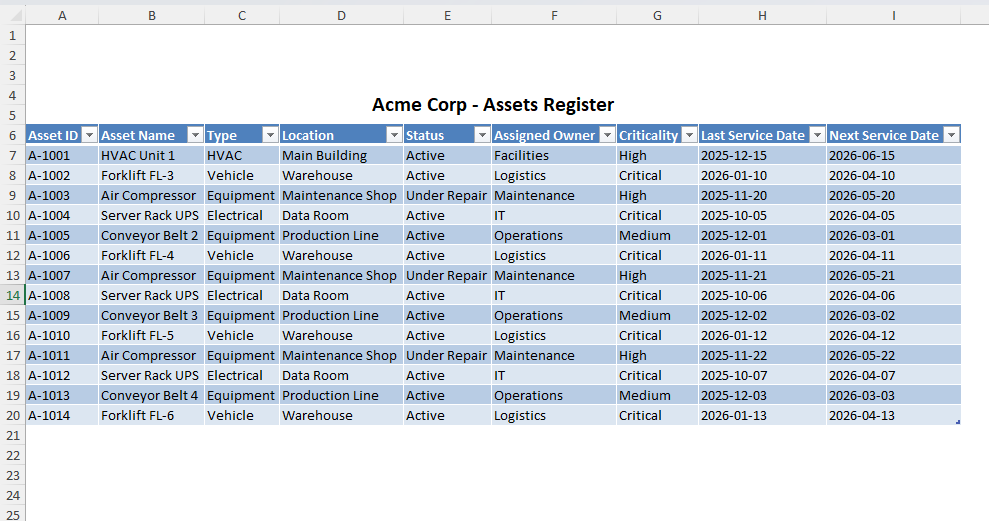
- List the assets you actually maintain. Name, location, and who to call are enough. Leave idle equipment off the list until someone has to work on it.
- Choose one intake path. Requests from operators, tenants, or other departments should arrive as work requests, not as a mix of calls and side messages.
- Assign every open job. Unassigned work is how follow-ups multiply. If nobody owns it, it is not in the system yet.
- Write procedures for repeated jobs only. A short checklist for a filter change or a startup inspection is more useful than a library nobody opens.
- Close with a note a stranger can use. Record the symptom, what you did, and anything still open. That note is the service history.
- Review open work once a week. Look at age, owner, and whether the priority is still right. Cancel or combine duplicates instead of letting them sit.
Software should make those six steps easier than the workbook. If it does not, a price of zero does not make it a fit.
What a free plan should cover, and what it should not pretend to cover
Free is a sound way to leave spreadsheets when the crew and the asset list are still small. It is a weak offer when the pitch is the paid product with the price removed. Read the limits before you import a site.
On UpFix, the Free plan has no scheduled expiration. It is subject to plan limits and the Terms. Capacity is up to 5 active users, including people who only submit requests, 10 assets, 1 site, 5 procedures, 1 meter per asset, and 2 GB of storage per organization. The plan includes work items, basic procedures, attachments, time tracking, and work items that cover more than one asset. Recurring maintenance automations require Team or Pro. Inventory, purchasing, analytics, and the built-in Assistant require Pro. A new account starts a 14-day Pro trial and returns to Free if no paid subscription is active. No credit card is required to create the account. Team is $4.99 per billed user per month. Pro is $7.49. Current limits are on the pricing page.
On Free, plan preventive work by writing the task and assigning it. The Free plan does not create the next occurrence for you. If recurring triggers are the reason you are leaving the spreadsheet, try them during the trial or on Team. Keep the free tier for request intake, assignment, procedures within the cap, and history.
The same test applies to any free tool. If the step you depend on is gated, the team will keep a side sheet for that step. That side sheet is the second system.
Questions to answer before you adopt one
- Can a technician find today’s work without exporting a spreadsheet?
- Can someone who missed the last shift see what was done?
- Is there one status for each job?
- Are the limits for users, assets, sites, and procedures enough for the work you will put in over the next few months?
- Which file or chat will you stop using the week you go live?
Asset count alone is not the decision. A few critical machines with shared editing, missed work, and unclear ownership can outgrow a sheet. A long list that one person maintains quietly may not.
Keep the spreadsheet only as an archive
Move active jobs and the assets tied to them. Leave old rows behind unless you need them for a specific question. Copying every historical line feels thorough and often delays the first week of real use. History matters when the next failure looks like the last one. It does not all have to move on day one.
After go-live, treat a new spreadsheet tab for live work as a gap in the rollout. If a supervisor needs a view the tool does not offer, write down the missing view and decide whether it is a real gap or a habit. Do not solve it by running both systems through the quarter.
A weekly rhythm that keeps the old file closed
- Monday: confirm every open job has an owner and a current status.
- During the week: new requests enter once, and close-out notes are part of finishing the job.
- Friday: archive or cancel anything that is no longer real work, and note repeat problems on the same asset.
That rhythm is the maintenance system. The software is there so the rhythm does not depend on one person’s inbox.
Where to read the UpFix Free plan
UpFix is an operations and work management platform with CMMS capabilities. It is built to hold requests, work items, procedures, and service history together. The free CMMS page states the current Free plan, including what is included and what stays on Team or Pro. Start there when you want to compare the offer with the checklist above and create an account if the limits match the crew you have now.
If the free tier covers your users, assets, and site, use it and retire the follow-up sheet. If you already need recurring automations, inventory, or more than one site, read the plan limits first so you do not stand up a queue you will have to rebuild.