Maintenance Spreadsheet Template (Free Structure + System Upgrade Path)
By UpFix
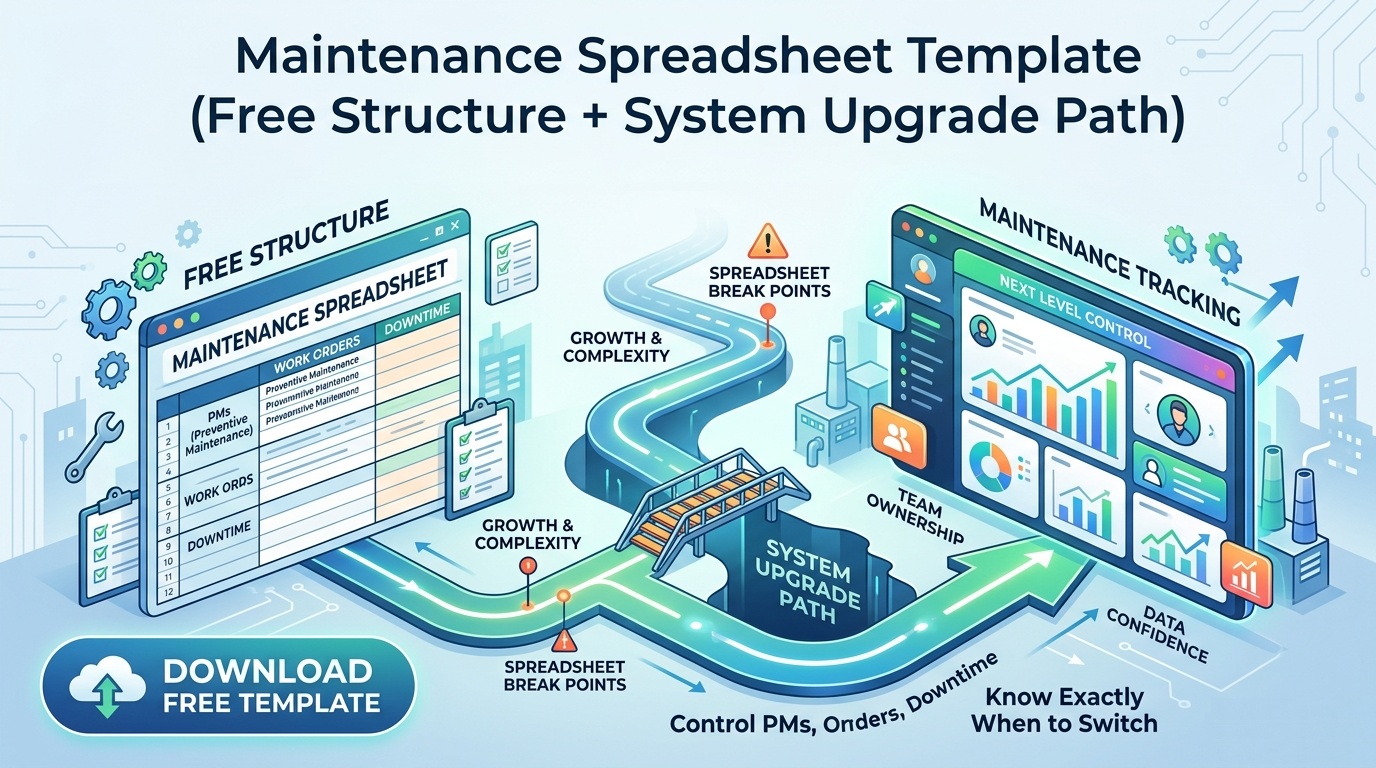
Use this maintenance spreadsheet template structure to control PMs, work orders, and downtime, then know exactly when to switch to a system.
The operating models and AI examples in this article are illustrative. They are not a specification of included UpFix features or a measured customer result. See product capabilities and plan limits for the current offer.
Most maintenance teams do not wake up wanting a new system. They want a spreadsheet that works. If you are searching for a maintenance spreadsheet template, you are usually trying to fix three real problems fast: missed PMs, unclear ownership, and zero confidence in what got done.
This guide gives you a practical template structure you can use today, plus the part people skip: exactly where the spreadsheet model breaks and when to move into a maintenance tracking system.
Download Template | See the Scalable Alternative
Maintenance Spreadsheet Template: Core Tabs That Actually Work
Keep the template simple. Five tabs are enough for most small teams:
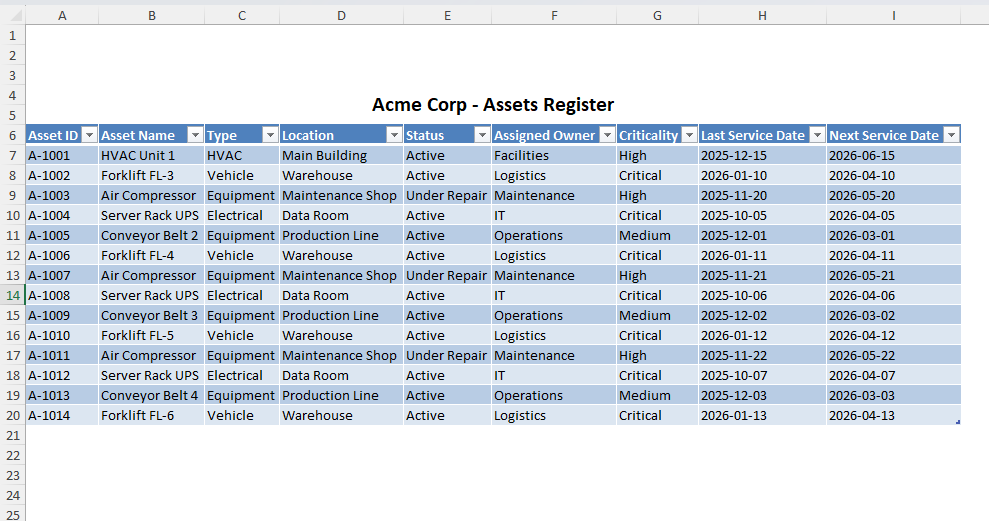
- Assets: asset ID, name, location, model, serial number, criticality, install date
- PM Schedule: task ID, asset ID, frequency, next due date, standard hours, owner
- Work Orders: WO ID, request date, problem, priority, status, technician, close date
- Parts Usage: WO ID, part number, quantity, reorder trigger
- Downtime Log: asset ID, start time, end time, failure code, root cause
Use dropdowns for priority and status. Use required columns for asset ID and due date. Lock formulas so nobody breaks the file by accident.
How to Build It in 45 Minutes
Step 1: Standardize naming before data entry
Do not let people type "Line 1 Press" in five different ways. Set one naming standard and enforce it. Bad naming is the first failure point in spreadsheet maintenance.
Step 2: Create one asset register first
Everything must tie back to asset ID. If your PM tab and work order tab are not connected to a single asset list, reporting is fake. You cannot track repeat failures or MTTR by asset without that link.
Step 3: Add PM logic with simple formulas
Use next due date logic based on frequency. Mark rows red when due date is within 7 days. Mark overdue rows dark red. This gives supervisors one visual queue without building a dashboard.
Step 4: Track close-out quality, not just close date
Add two fields: "cause confirmed" and "follow-up required." Many teams close WOs fast but reopen the same issue next week. A close date alone hides that churn.
Step 5: Add weekly review ritual
Every Friday, run a 20 minute review:
- Overdue PM count
- Open high-priority work orders
- Repeat failures by asset
- Parts below trigger level
The spreadsheet is only useful if the team uses it in a cadence.
How to Use This Template Day to Day
For a 3 to 10 person maintenance team, this flow works:
- Planner or lead updates PM Schedule on Monday morning
- Techs log completed work orders daily before shift end
- Supervisor reviews overdue and high-priority items once per day
- Ops and maintenance review top downtime causes weekly
This keeps execution visible without heavy process overhead.
Real-World Scenario: Small Food Plant
Illustrative example: a small packaging plant could group conveyor stops by asset and failure mode, then review whether recurring tension checks address the most frequent issues. This is an example of a review method, not a measured customer result.
This is the value of a good maintenance spreadsheet template. It gives you enough signal to stop guessing.
Where This Breaks
Spreadsheets fail in predictable ways:
- Version chaos: multiple copies, unclear source of truth
- No real-time assignment: work sits unclaimed during busy shifts
- Weak mobile execution: techs write notes later from memory
- No escalation logic: overdue critical tasks look the same as low risk tasks
- Limited history intelligence: hard to trace recurring failures across months
- Audit pain: proving compliance requires manual cleanup
If two or more of these are happening weekly, you are past spreadsheet fit.
When to Switch to a Maintenance Tracking System
Switch when you hit one of these thresholds:
- Asset count is one signal, not a fixed cutoff. Review the need for a CMMS when shared editing, multiple sites, critical equipment, missed work, or reporting effort make the current process unreliable. The same asset count can represent very different workloads.
- More than 20 work orders per week
- More than 3 technicians touching the same asset pool
- Recurring failures that need trend analysis
- Compliance expectations with evidence requirements
This is where a system beats a file. You get role-based workflows, timestamped execution, and asset history you can trust.
If you are at this point, start with a practical comparison: When to Switch from Excel to CMMS. Then review a scalable structure from this guide: Equipment Tracking Spreadsheet Free Template.
A Practical Migration Path
You do not need a big bang rollout. Use this path:
- Week 1: clean asset register and PM standards
- Week 2: import open work orders and critical parts list
- Week 3: run spreadsheet and system in parallel for critical assets
- Week 4: move all new work requests into the system
This reduces resistance and keeps production risk low.
UpFix, Light and Practical
UpFix is not a dashboard project. It is a structured execution layer. You can start simple, keep your existing process, and replace spreadsheet fragility with traceable work order and PM workflows.
Explore Free CMMS if you want to test this without procurement delay, or see the full workflow model on UpFix Product.
Start with the Template, Plan for the System
Use the spreadsheet template structure above this week. Run one review cycle. Identify where execution still leaks. Then move the unstable parts first into UpFix so your team spends less time updating files and more time preventing failures.
![When to Switch from Excel to CMMS (And Why Most Teams Wait Too Long) [2026 Guide]](https://upfix-public.s3.us-east-1.amazonaws.com/blog-images/1774060612374-374c5c02-625a-4c12-b506-ad1d0363c1fd-switch_from_excel_to_cmms.jpg)