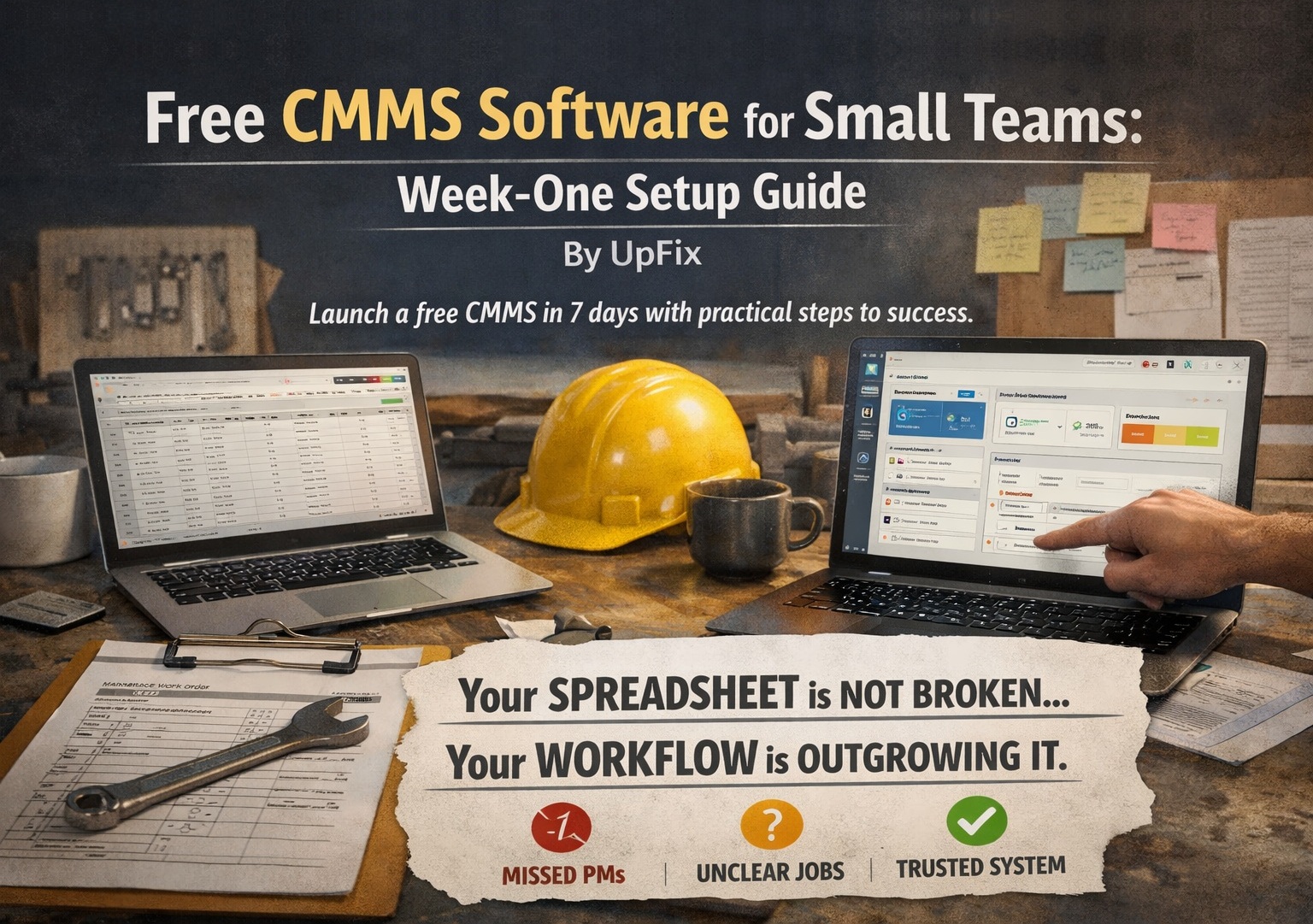
Free CMMS Software for Small Teams: Week-One Setup Guide
By UpFix
A practical, operator-level guide to launching free CMMS software in 7 days, with failure points, switch signals, and a realistic rollout plan.
The operating models and AI examples in this article are illustrative. They are not a specification of included UpFix features or a measured customer result. See product capabilities and plan limits for the current offer.
Your Spreadsheet Is Not Broken. Your Workflow Is Outgrowing It.
Most small maintenance teams do not wake up and decide to buy software. They build a spreadsheet because they need to track PMs, jobs, and equipment history fast. It works for a while. Then missed PMs stack up, job status gets unclear, and nobody trusts the latest version of the file.
If that sounds familiar, this guide gives you a realistic week-one setup for free CMMS software. No enterprise language. No six-month project plan. Just the steps that help a small team move from reactive scramble to structured execution.
What You Need Before Day 1
- A basic asset list (even if incomplete)
- Your top 10 recurring PM tasks
- Your top 10 corrective jobs from the past month
- One person who owns setup decisions
- Agreement on one rule: no side spreadsheet after go-live
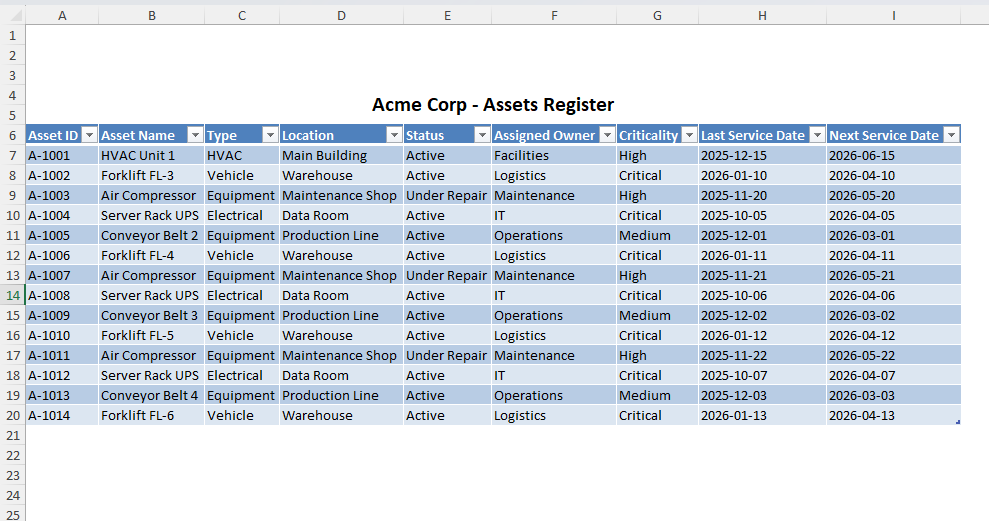
If you still need a baseline asset table, start with this equipment tracking spreadsheet guide and migrate only the fields your team really uses.
Week-One Setup Plan
Day 1: Build the Minimum Asset Hierarchy
Do not import every bolt and spare. Start with critical production assets, utilities, and safety-relevant systems. Use a simple parent-child structure:
- Site
- Area
- Asset
- Component (optional for critical failures)
Goal: technicians can find equipment in under 10 seconds.
Day 2: Standardize Work Order Types
Create only three work order classes at first:
- Corrective
- Preventive
- Inspection
Define required fields for close-out: symptom, cause, action, parts used, downtime impact. This is where spreadsheet processes usually fail because close-out data is optional.
Day 3: Plan PM Work; Add Triggers on Team or Pro
On Free, document upcoming tasks and assign work orders manually. Recurring PM triggers require Team or Pro. If evaluating those triggers, use an eligible paid-plan trial. Set frequencies for your top recurring tasks. Do not start with 200 PMs. Start with 20 high-risk tasks that directly affect uptime or safety.
- Weekly lubrication on critical line bearings
- Monthly belt and tension inspection
- Quarterly motor current checks
Attach a short checklist to each PM so every tech performs the same standard work.
Day 4: Agree Priorities and Response Targets
Small teams lose time on job thrash, not just job volume. Set priority rules:
- P1: Safety or production stop, immediate dispatch
- P2: Performance degradation, same shift response
- P3: Planned non-critical, schedule window
Now your planner is not reinventing urgency every morning.
Day 5: Run a Live Shift Pilot
Use one shift as pilot. Every new job enters CMMS first. Track:
- Time from request to assignment
- Time to close
- Close-out quality
- Jobs that still leaked to WhatsApp or paper notes
Day 6: Fix Friction, Not People
If technicians skip fields, ask why. Usually the issue is workflow design. Common fixes:
- Too many mandatory fields for urgent jobs
- No mobile-friendly close-out flow
- Asset naming does not match floor language
Day 7: Lock the Operating Rhythm
Set the weekly cadence:
- Monday: PM compliance review
- Wednesday: backlog aging review
- Friday: repeat failure review
This rhythm is what turns software from a database into an operating system for maintenance.
How to Use This in a Real Small Team
For an illustrative paid-plan rollout, say you run a 12-person food packaging maintenance team with 70 assets (beyond Free’s five-user and ten-asset limits). You have conveyor issues and too many surprise stoppages on conveyors and sealers. Start by onboarding only those lines into CMMS. Leave low-impact utility items for phase two. Force every seal jaw failure and conveyor jam into a structured corrective ticket with root cause tags. In two weeks you can see recurrence patterns that were invisible in Excel tabs.
Then use those patterns to tune PM intervals, stock critical spare kits, and assign recurring jobs by technician skill. That is when software starts paying back in uptime.
Where This Breaks
Even good free CMMS rollouts fail. Not because free tools are useless, but because teams import old habits.
- Failure point 1: Duplicate channels. Work orders in CMMS, updates in chat, status in spreadsheet.
- Failure point 2: No close-out discipline. Tickets close with no failure code and no action detail.
- Failure point 3: Over-modeling. Team spends weeks on fields and dashboards, ignores dispatch flow.
- Failure point 4: No owner. Everyone is "involved" but nobody owns process quality.
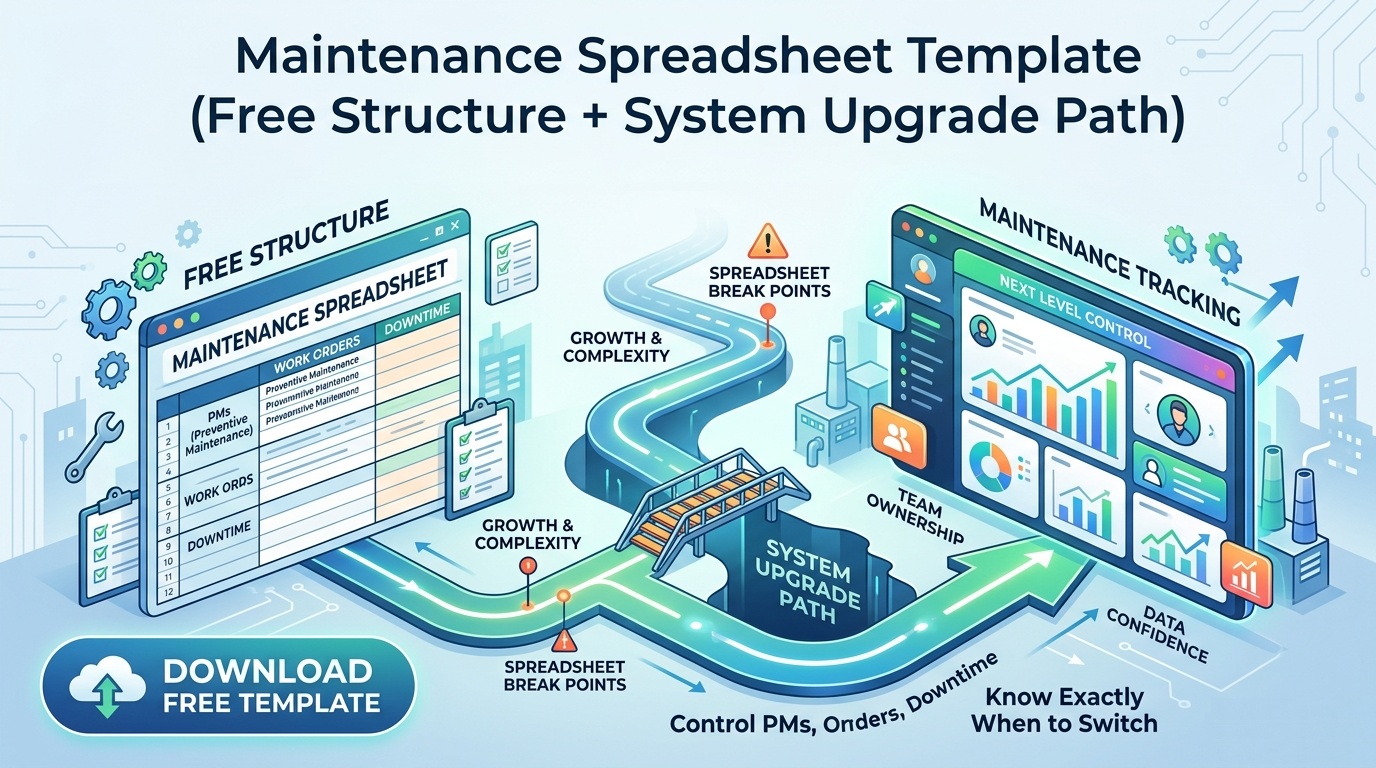
If these are already happening, read this guide on when to switch from Excel to CMMS and reset your migration timeline.
When to Switch to a System for Real
Many teams ask if they should stay on spreadsheet templates a little longer. Here is the practical answer. Switch when at least two of these are true:
- You cannot trust PM completion data
- More than one person edits job status daily
- Repeat failures are increasing
- You need mobile execution and timestamped accountability
- Supervisors spend over 4 hours per week reconciling logs
At that point, spreadsheet optimization is not savings. It is delay.
Why UpFix Fits This Transition
UpFix is built for teams that are moving from ad hoc tracking to repeatable maintenance execution. You get structured work orders, PM workflows, and asset history without enterprise setup overhead.
- Start with a free CMMS workflow
- Scale into a full execution stack as your team matures
- Connect planning and close-out in one system, not three tools
If you want to see how this maps to your site, review the UpFix product workflow and test your week-one rollout plan.
Final Take
Small teams do not need more software complexity. They need cleaner execution loops. A free CMMS works when you keep scope tight, enforce close-out quality, and run a weekly operating rhythm. Do that, and you stop managing maintenance in files and start managing it as a system.
![When to Switch from Excel to CMMS (And Why Most Teams Wait Too Long) [2026 Guide]](https://upfix-public.s3.us-east-1.amazonaws.com/blog-images/1774060612374-374c5c02-625a-4c12-b506-ad1d0363c1fd-switch_from_excel_to_cmms.jpg)