Maintenance Tracking Spreadsheet Alternative: Why Excel Fails at Scale
By UpFix
Learn when shared updates, missed maintenance, and reporting effort signal that a spreadsheet workflow needs a more structured system.
The operating models and AI examples in this article are illustrative. They are not a specification of included UpFix features or a measured customer result. See product capabilities and plan limits for the current offer.
Excel Is the Default for a Reason
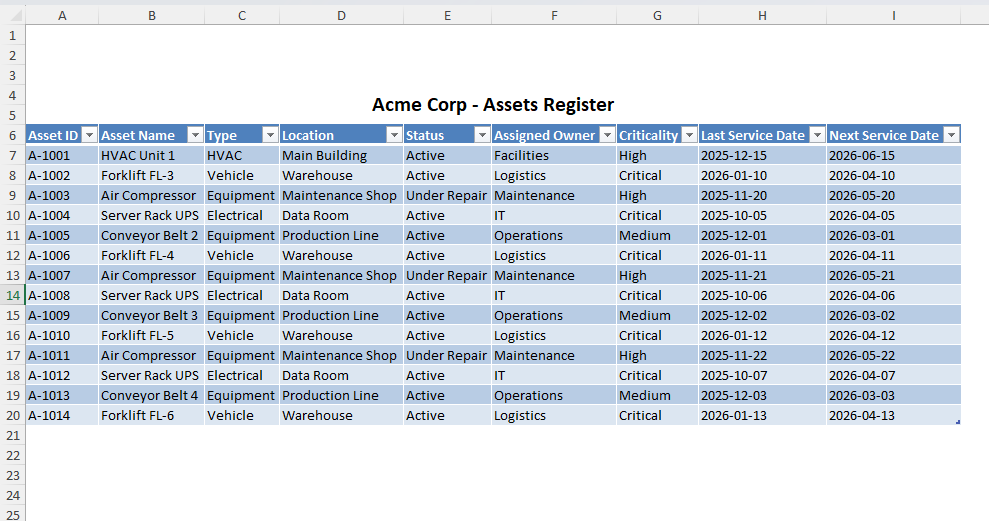
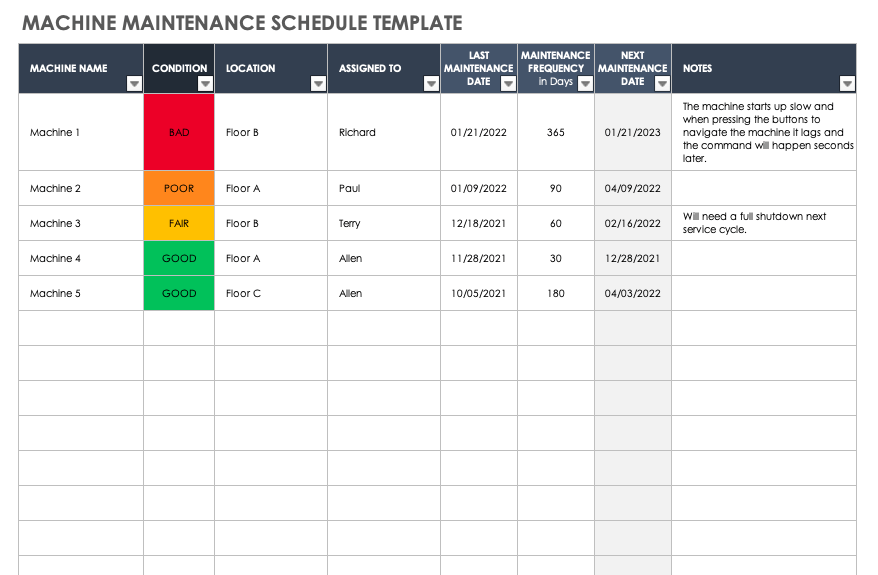
If your maintenance team started in Excel, that was not a mistake. It was rational. Excel is familiar. It is flexible. It usually feels free because your company already has Microsoft 365. You can spin up a sheet in an afternoon, add columns as needed, and start tracking PM dates before anyone asks for a budget.
Asset count is one signal, not a fixed cutoff. Review the need for a CMMS when shared editing, multiple sites, critical equipment, missed work, or reporting effort make the current process unreliable. The same asset count can represent very different workloads.
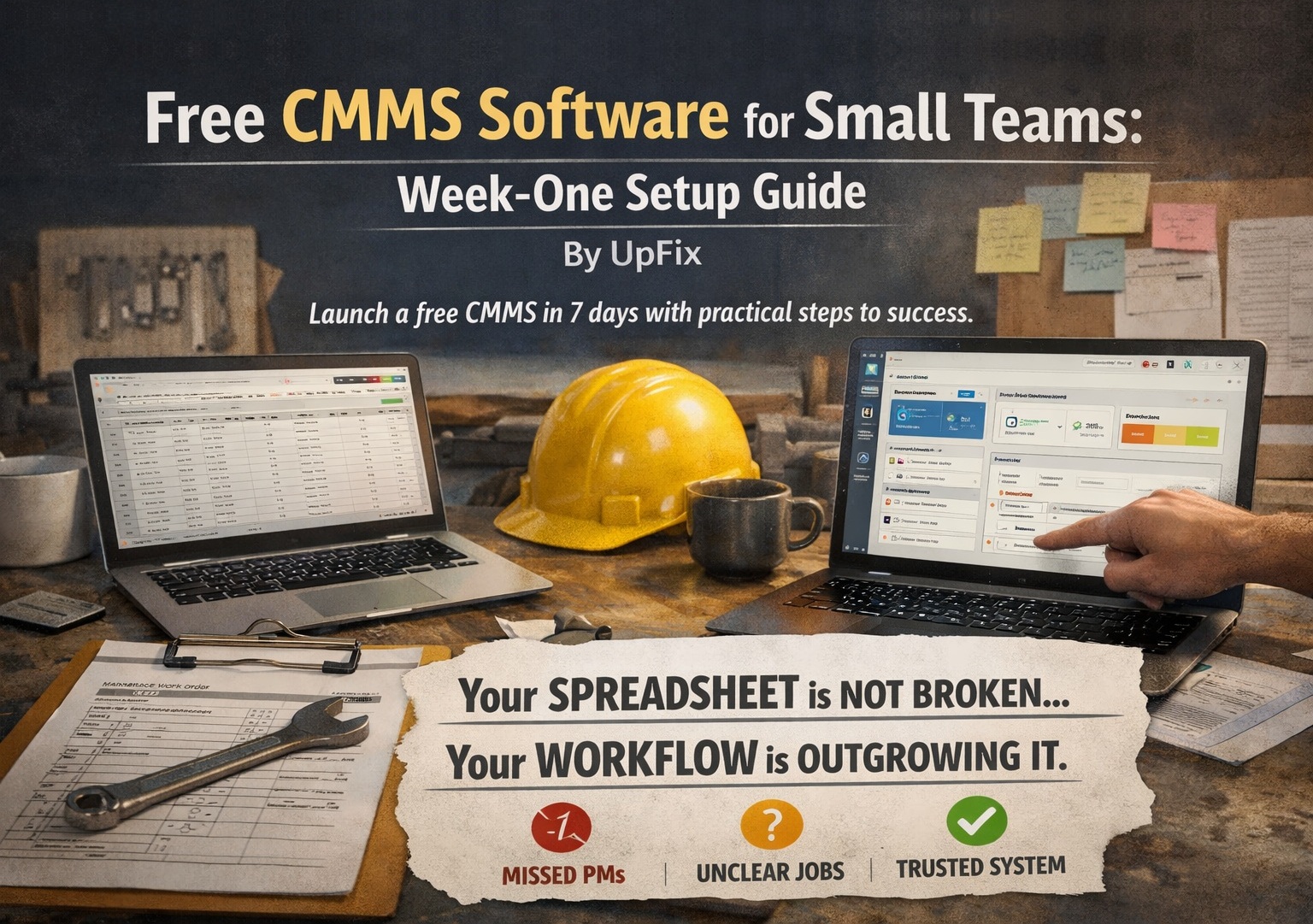
If you are searching for a maintenance tracking spreadsheet alternative, you are likely feeling this already: missed PMs, version confusion, and work that happened but never made it into a reliable record.
Where Excel Breaks in Real Operations
1) No preventive maintenance automation
Excel stores PM schedules, but it does not run them. It will not automatically generate work when meter thresholds are hit. It will not enforce recurring checklists, trigger escalation when a task is overdue, or rebalance assignments when a technician is out. Every one of those steps becomes manual coordination.
That creates drift. A PM date slips one week, then two. Nobody notices until the same asset fails under load.
2) No true work order system
A maintenance operation needs lifecycle control: open, assign, in progress, waiting on parts, complete, verified, and closed. Excel can imitate this with columns, but it cannot govern it. There is no native queue logic, no role-based assignment flow, and no dependable audit trail of who changed status and when.
The result is common in spreadsheet-driven teams: work requests arrive through text, Slack, hallway conversations, and email. Some are logged late. Some are logged never.
3) Version control chaos
Even with cloud collaboration, spreadsheet workflows still create confusion when teams duplicate files, export local copies, or update offline and merge later. Maintenance managers end up asking a dangerous question: "Which file is the real one?"
Once that question exists, decision quality drops. You cannot prioritize correctly if backlog, parts status, or PM completion data is fragmented across competing versions.
4) No built-in operational alerts
Spreadsheets do not natively operate like an event-driven maintenance system. They do not reliably push overdue PM alerts to the right person, notify supervisors when critical work stalls, or surface repeat-failure patterns across similar assets without custom scripting and constant upkeep.
What should be an automated signal becomes a manual report run by someone who already has too much to do.
5) Weak asset structure
Maintenance teams do not manage isolated rows. They manage systems: site, area, line, machine, subsystem, component. Excel can list asset names, but it does not naturally enforce hierarchy and parent-child relationships in a way that supports fast root-cause analysis at scale.
When structure is weak, knowledge gets trapped in technician memory instead of becoming reusable operational intelligence.
What Failure Looks Like in the Real World
Spreadsheet failure in maintenance is rarely dramatic on day one. It is cumulative. Three common patterns show up repeatedly:
Missed inspections that become downtime: A weekly inspection is marked "planned" but not actually completed. The issue is discovered only after an unplanned shutdown.
Outdated files across shifts or sites: Day shift updates one copy, night shift works from another, and supervisors review stale backlog data.
Work completed but never properly logged: A technician fixes the issue, but the historical record is incomplete, so repeat failures look unrelated and preventive action never improves.
None of these scenarios require negligence. They are normal outcomes when the system depends on human memory and manual file hygiene instead of workflow design.
Comparison Table: Excel vs UpFix for Maintenance Operations
Below is a practical side-by-side view for the capabilities that matter most once operations grow.
Preventive maintenance automation: Excel = manual calendar tracking and reminders; UpFix = recurring PM schedules, auto-generated tasks, and completion visibility.
Work orders: Excel = status columns with no workflow enforcement; UpFix = structured work-order lifecycle with assignment, status control, and history.
Alerts and notifications: Excel = limited native alerting, usually dependent on manual checks or custom formulas/scripts; UpFix = built-in notifications for overdue work and operational exceptions.
Asset hierarchy: Excel = flat or loosely structured lists; UpFix = organized hierarchy across sites, systems, and components for better troubleshooting.
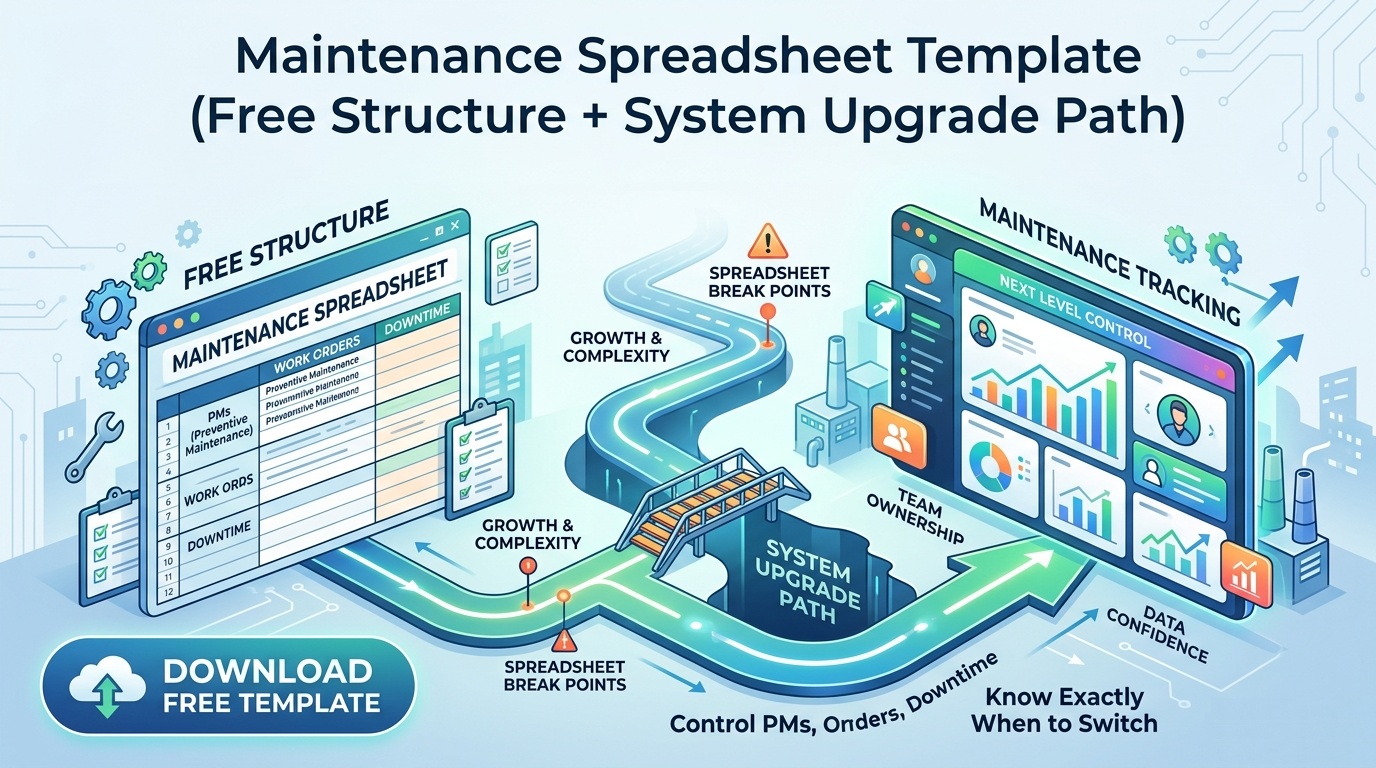
The Turning Point: When Coordination Outgrows a Spreadsheet
More PM events than one person can manually monitor with confidence.
More technicians and handoffs, which increases logging inconsistency.
More parts dependencies, making backlog prioritization harder without workflow context.
More management pressure for uptime, forcing faster decisions from cleaner data.
When leaders say "we are outgrowing Excel," what they usually mean is this: the business can no longer absorb uncertainty in maintenance execution.
What Good Looks Like Instead
A modern maintenance operating model does not replace technician judgment. It protects it with structure. That means:
PM schedules that execute automatically instead of relying on memory.
Work orders as the system of record, not a best-effort note after the fact.
Alerts that route to accountable owners in real time.
Asset hierarchy that connects repeat failures to system-level causes.
Clean historical data that supports reliability decisions, staffing plans, and parts strategy.
UpFix is an operations and work management platform with CMMS capabilities. Keep requests, Work Items, procedures, and service history together. Recurring automations require Team or Pro; inventory, analytics, purchasing, and the built-in Assistant require Pro. Connected meter data depends on supported integrations and configuration.
Migration Playbook: Moving from Spreadsheet Tracking Without Chaos
If you are currently spreadsheet-based, switch in stages:
Start with your highest-risk assets and current PM calendar.
Define standard work-order fields before importing old records.
Build asset hierarchy first, then attach PM templates and checklists.
Set alert rules for overdue PMs and critical-priority work orders.
Train supervisors on backlog triage cadence and closure standards.
Use the first 30 days to clean completion discipline, not to chase every historical data point.
Track two metrics weekly: PM compliance and mean time to close critical work orders.
Retire parallel spreadsheets quickly to avoid dual-system confusion.
Signals to Watch
PM compliance declines while planned workload increases.
Technicians report "already fixed" jobs that are missing from records.
Supervisors spend more time reconciling files than reviewing reliability risk.
The same asset family generates repeat corrective work with no clear trend view.
Operations asks for uptime explanations that maintenance data cannot confidently support.
Bottom Line
If your team is actively looking for an Excel replacement, this is the decision framework: move from file management to execution management. UpFix gives you PM automation, real work-order control, alerts, and asset structure in one system so maintenance stops reacting and starts improving.
![When to Switch from Excel to CMMS (And Why Most Teams Wait Too Long) [2026 Guide]](https://upfix-public.s3.us-east-1.amazonaws.com/blog-images/1774060612374-374c5c02-625a-4c12-b506-ad1d0363c1fd-switch_from_excel_to_cmms.jpg)